TyPSA
TyPSA is a wrapper around the PyPSA Python library for power systems analysis. TyPSA adds strong typing and data validation to PyPSA.
PyPSA is used for optimizing and simulating power grids. PyPSA provides a pypsa.Network object, which consists of a grid model. PyPSA has several types of components (bus, load, etc.) that can be added to a pypsa.Network object. For a given component type, PyPSA has many data attributes. Each of these data attributes are either inputs to the pypsa.Network and its underlying model, or an output thereof. Furthermore, each data attribute can be static (time invariant) or dynamic (time varying).
TyPSA provides:
- Classes for defining components of different types (
Bus,Load, etc.) with their input data. - APIs for defining a network, creating its optimization model, optimizing the network, and simulating power flow.
- Accessors for obtaining static and dynamic results of optimization and simulation.
Comparison
Working with TyPSA should feel very familiar to PyPSA users. See the below comparison of PyPSA versus TyPSA usage.
Example from PyPSA Quickstart 1 – Markets.
PyPSA Usage
Importing: Defining a network:network = pypsa.Network()
network.add("Bus", name="zone_1")
network.add("Bus", name="zone_2")
network.add(
"Load",
name="load_1",
bus="zone_1",
p_set=500,
)
network.add(
"Load",
name="load_2",
bus="zone_2",
p_set=1500,
)
network.add(
"Generator",
name="gen_1",
bus="zone_1",
p_nom=2000,
marginal_cost=10,
marginal_cost_quadratic=0.005,
)
network.add(
"Generator",
name="gen_2",
bus="zone_2",
p_nom=2000,
marginal_cost=13,
marginal_cost_quadratic=0.01,
)
network.add(
"Line",
"line_1",
bus0="zone_1",
bus1="zone_2",
x=0.01,
s_nom=400,
)
TyPSA Usage
Importing: Defining a network:network = typsa.Network()
zone_1 = Bus(name="zone_1")
zone_2 = Bus(name="zone_2")
load_1 = Load(
name="load_1",
bus=zone_1.name,
p_set=500,
)
load_2 = Load(
name="load_2",
bus=zone_2.name,
p_set=1500,
)
gen_1 = Generator(
name="gen_1",
bus=zone_1.name,
p_nom=2000,
marginal_cost=10,
marginal_cost_quadratic=0.005,
)
gen_2 = Generator(
name="gen_2",
bus=zone_2.name,
p_nom=2000,
marginal_cost=13,
marginal_cost_quadratic=0.01,
)
line = Line(
name="line_1",
bus0="zone_1",
bus1="zone_2",
parameters=CustomLineParameters(x=0.01),
s_nom=400,
)
network.add_components(zone_1, zone_2, load_1, load_2, gen_1, gen_2, line)
Using PyPSA, one often needs to consult the documentation to know:
- Which components are available.
- Which attributes each component type has, which of them are static or dynamic, which of them are inputs or outputs, and whether the outputs are the result of optimization or simulation.
- What are the types, valid values, and defaults for each attribute.
- Which attributes are compatible with each other.
With TyPSA, typsa.components lists available components. Each component class lists its attributes, and their types, validation, and defaults. Different subclasses are used to separate attributes of a given component type that are not compatible with each other. For example, the ExtendableLine class has the s_nom_mod attribute, but Line does not. Similarly, on the output side, ExtendableLineOptimizationStaticResults has s_nom_opt, but LineOptimizationStaticResults does not.
Benefits of TyPSA
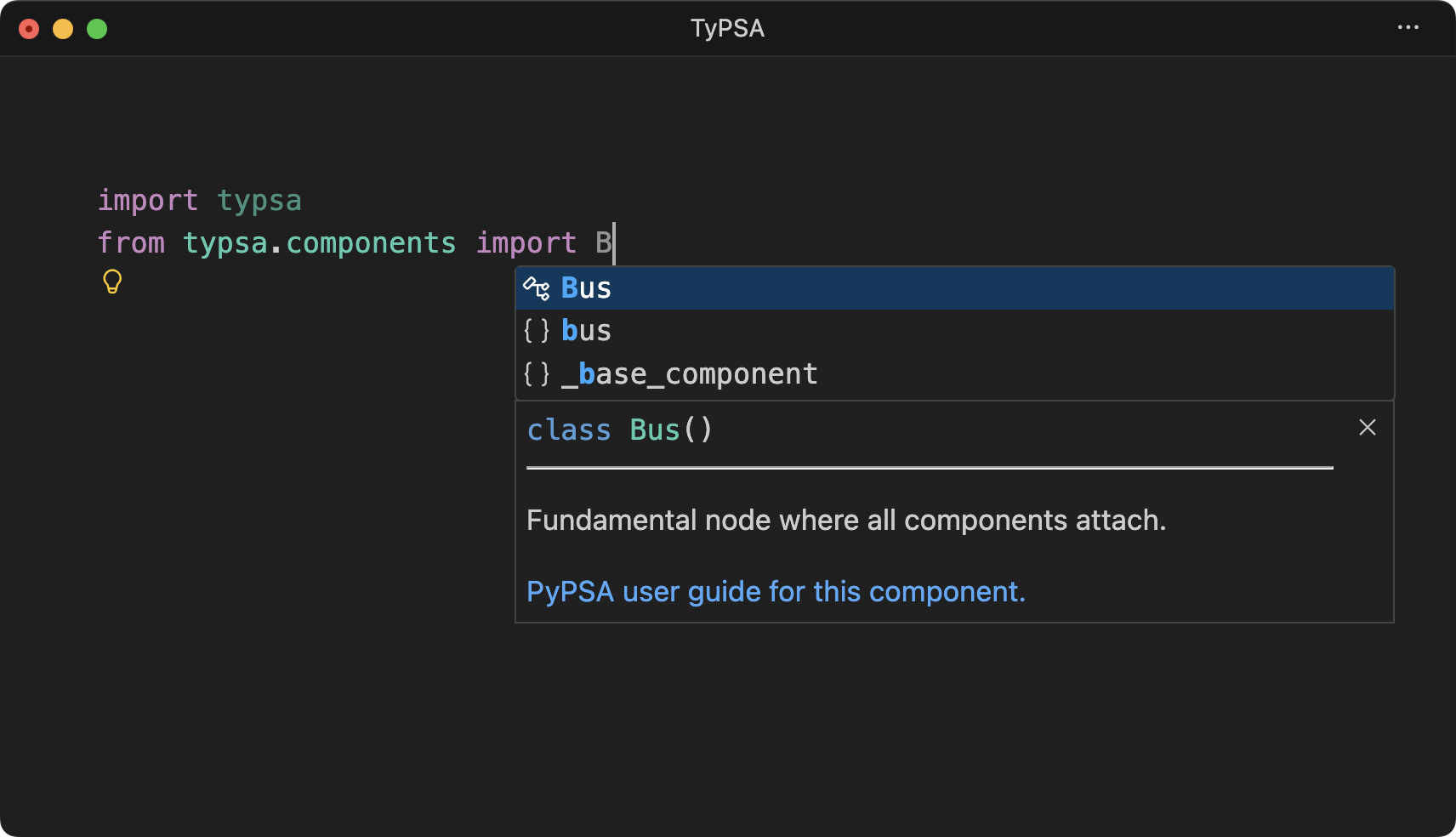
IDE autocomplete of which components are available, each with a description and a link to PyPSA's official documentation:
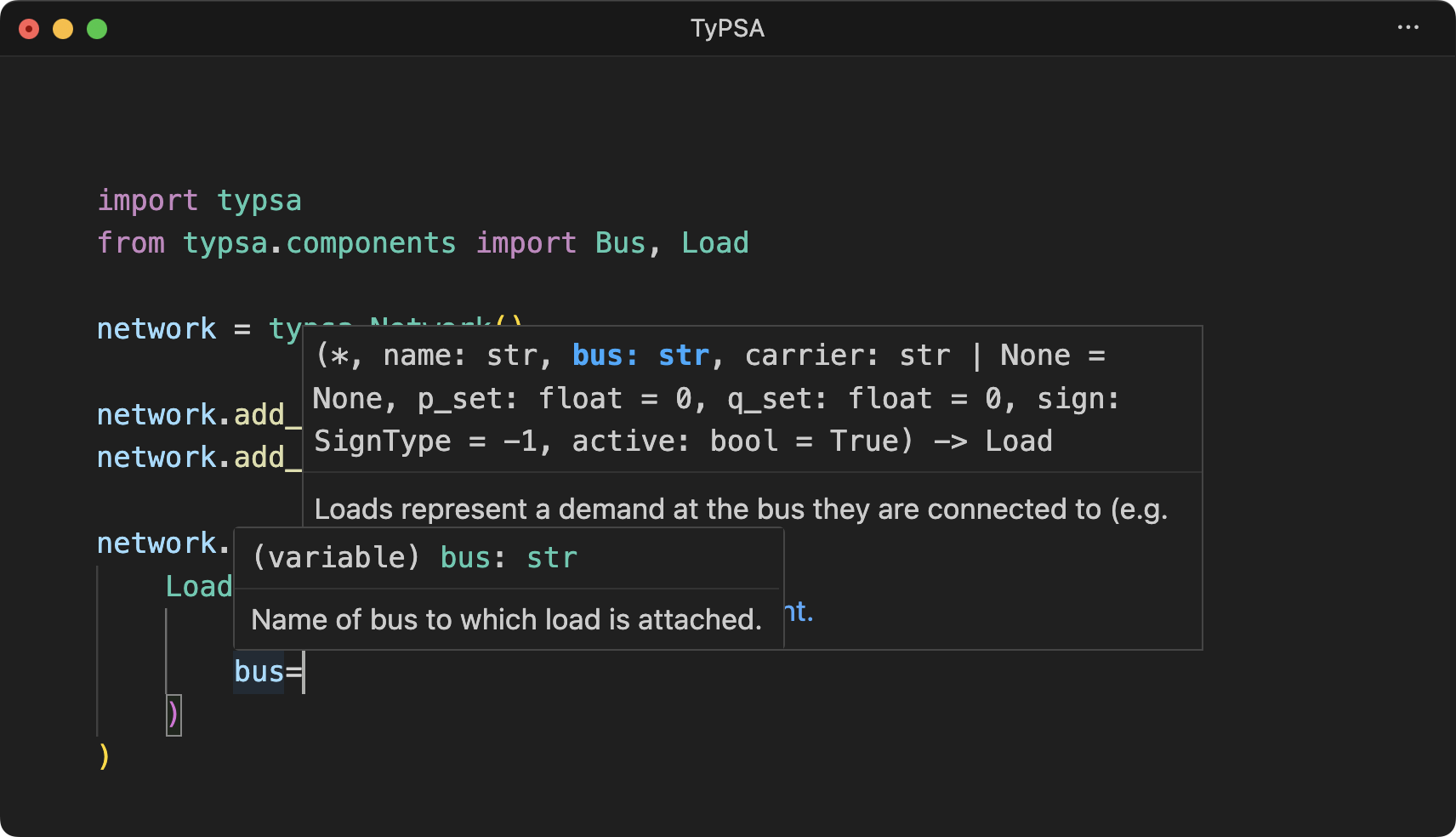
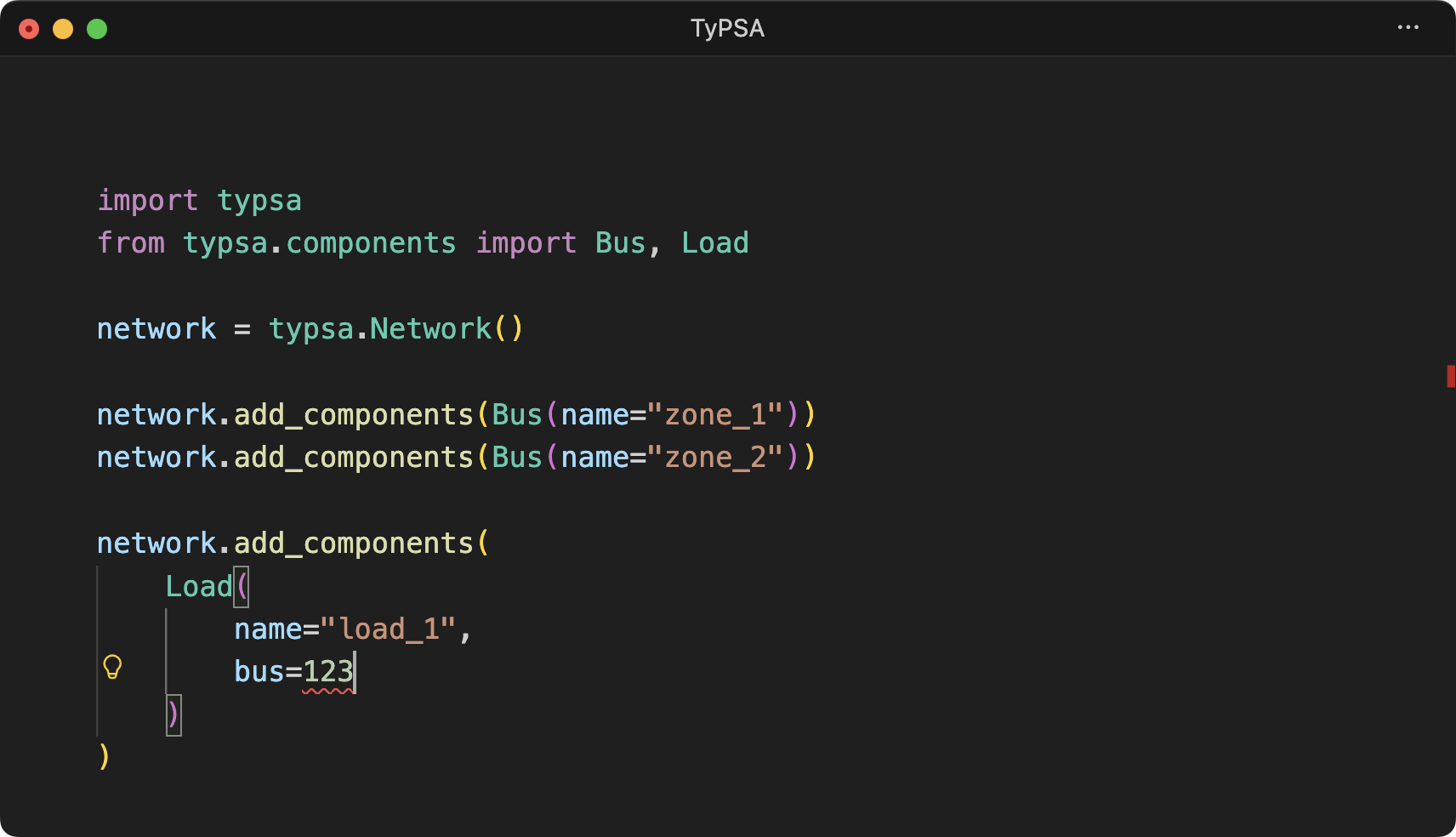
IDE autocomplete and type checking of component attributes:
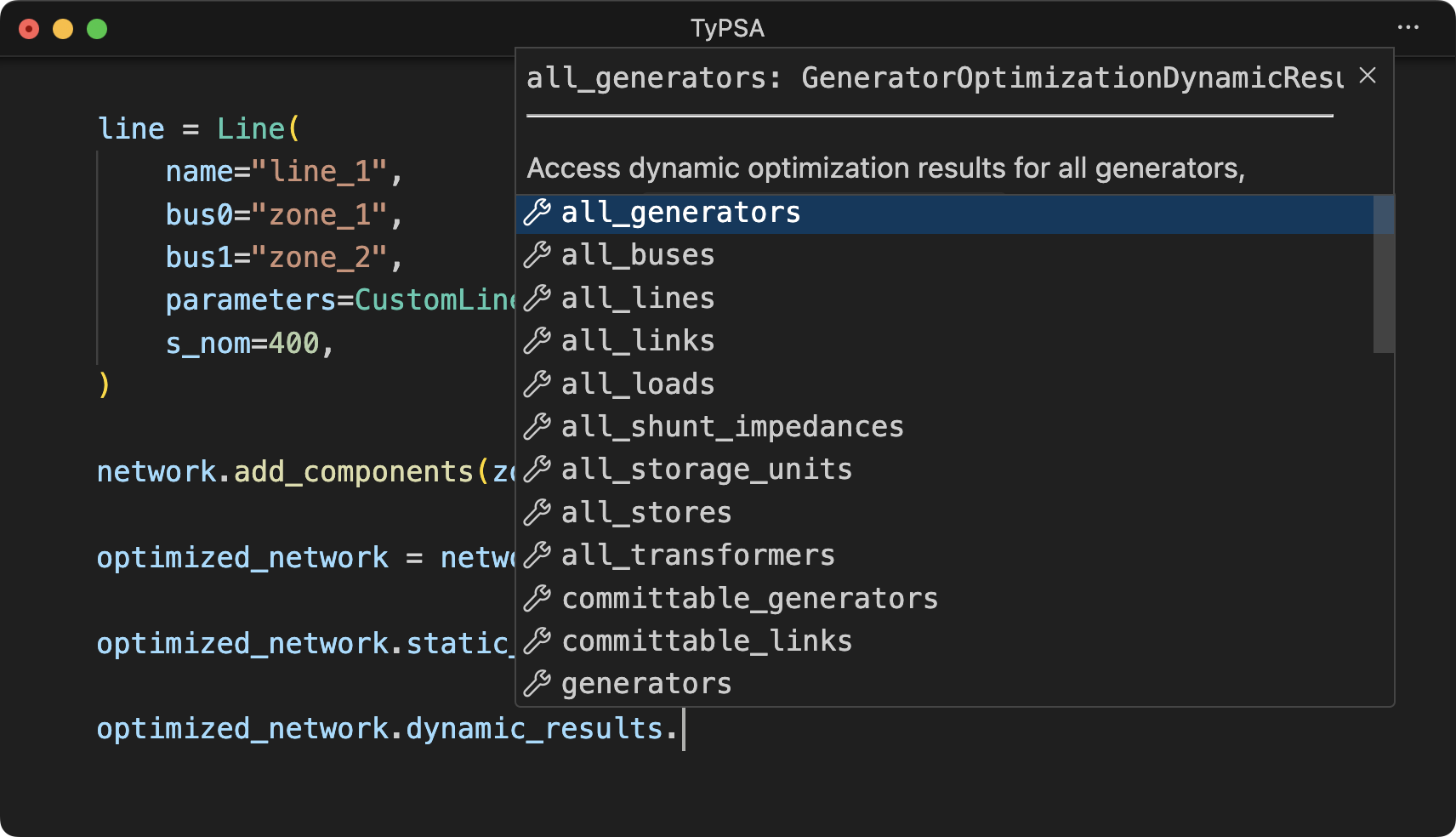
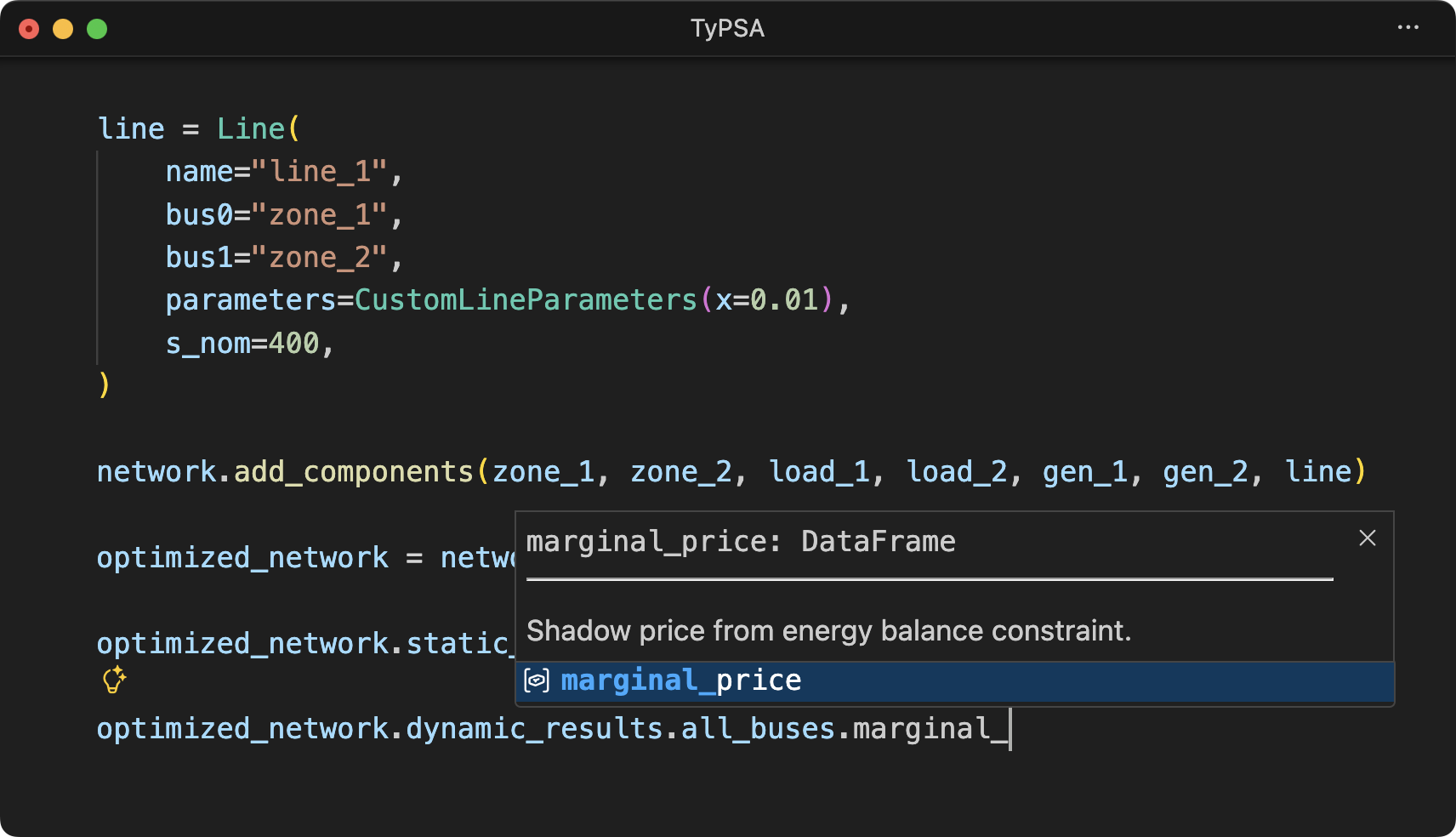
IDE autocomplete of available results: